
Templates
New Project templates are small, complete games: play one, then change it. In the editor: Help > Welcome > New Project. The art is from Kenney (CC0: use it for anything).
Platformer
Section titled “Platformer”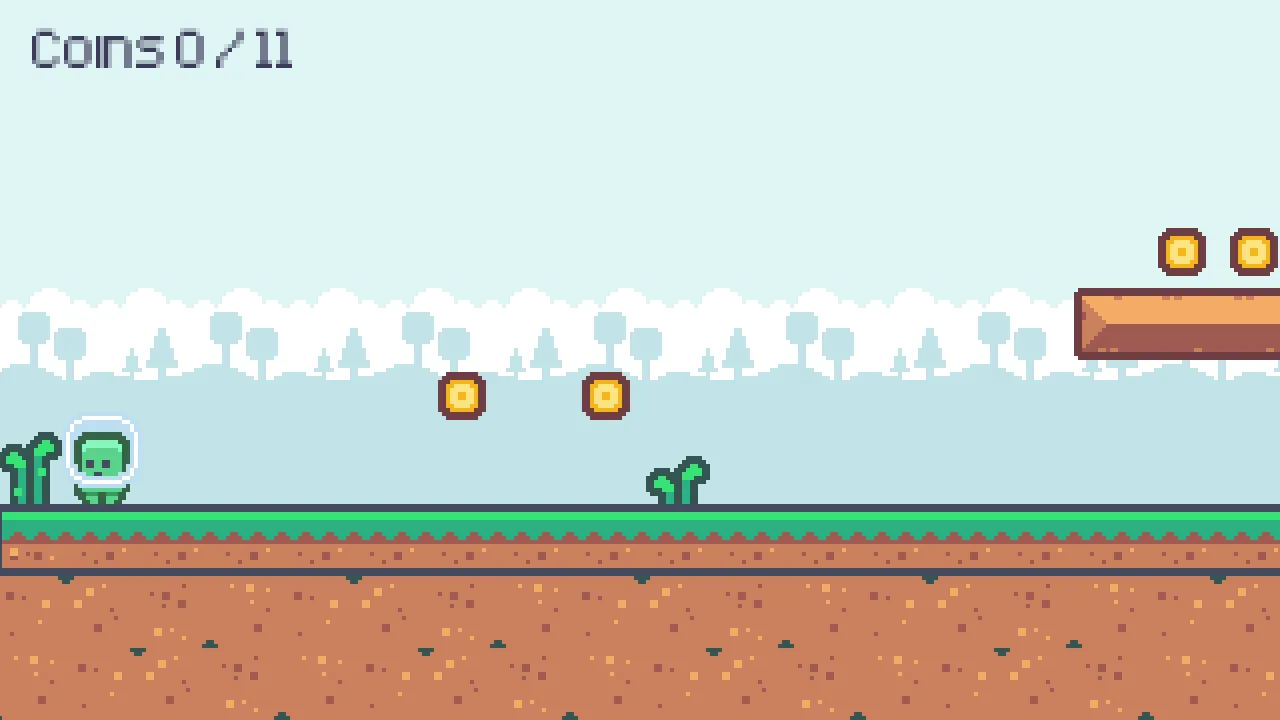
A small, complete platformer: run and jump to the door at the end of the level, collect coins, avoid spikes and stomp the enemies.
| Play | |
|---|---|
| Move | A / D, arrows, gamepad stick / D-pad |
| Jump | Space, W, Up, gamepad A (hold for a higher jump) |
What’s where
Section titled “What’s where”scenes/level1.scene.json |
The level: the tile maps (Level is solid, Decor isn’t), coins, spikes, enemies, the door, the player, the camera, the HUD |
scripts/player.lua |
Movement (coyote time, jump buffer, jump cut), animations, dying and winning - tune it in the Inspector |
scripts/enemy.lua, enemy_hitbox.lua |
Walks, turns at walls and ledges; stomped from above, hurts otherwise |
scripts/coin.lua, hazard.lua, goal.lua, hud.lua |
Pickups, spikes, the door (its Next Level property), the coin count and messages |
textures/ |
Kenney’s Pixel Platformer (CC0) |
Make it yours
Section titled “Make it yours”- Paint the level: select Level (solid) or Decor and use the tile brush in the viewport (Inspector > Tile Map).
- More of something: duplicate a coin, a spike or an enemy (Cmd/Ctrl+D) and move it.
- A second level: duplicate the scene (Assets > right-click > Duplicate), change it, and set the door’s Next Level in the first one.
- Feel: the player’s properties (speed, jump velocity, coyote time…).
The game runs at 320x180, scaled up in whole steps (Project Settings > Video): crisp pixels at any window size.
Top-down RPG
Section titled “Top-down RPG”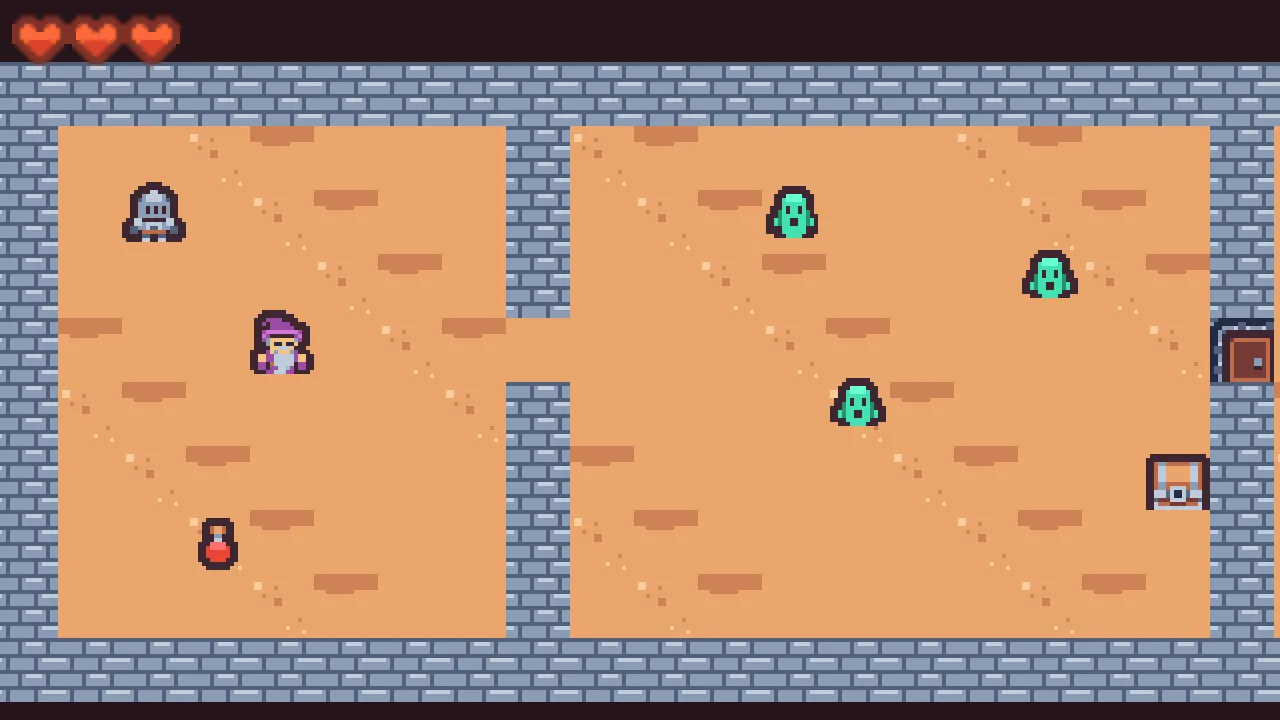
A small dungeon to escape: talk to the wizard, fight the slimes, take the key from the chest, unlock the door and reach the way out.
| Play | |
|---|---|
| Move | WASD, arrows, gamepad stick / D-pad |
| Sword | Space, J, gamepad X |
| Talk / open | E, K, gamepad A (also goes on in a dialogue) |
What’s where
Section titled “What’s where”scenes/dungeon.scene.json |
Floor and Walls (solid) tile maps, the wizard, slimes, potion, chest, locked door, exit, the player, camera, HUD, dialogue box |
scripts/player.lua |
Eight-way movement, the sword, interacting, hearts and knockback |
scripts/slime.lua |
Chases the player when close, hurts on touch, two hits to beat |
scripts/npc.lua, chest.lua, locked_door.lua |
Interactables: anything tagged interactable with hint() / interact() |
scripts/potion.lua, exit.lua, hud.lua |
A heal, winning, the HUD |
textures/ |
Kenney’s Tiny Dungeon (CC0); hearts from Pixel Platformer |
Make it yours
Section titled “Make it yours”- Paint rooms: the Walls map is solid, Floor isn’t (tile brush in the viewport).
- New interactables: tag a node
interactableand give its scripthint(player)(what the E prompt says) andinteract(player). - More dialogue: edit the lines in
npc.lua(or give each NPC its own). - Tougher slimes: their Speed / Sight / Hits in the Inspector.
Shoot ’em up
Section titled “Shoot ’em up”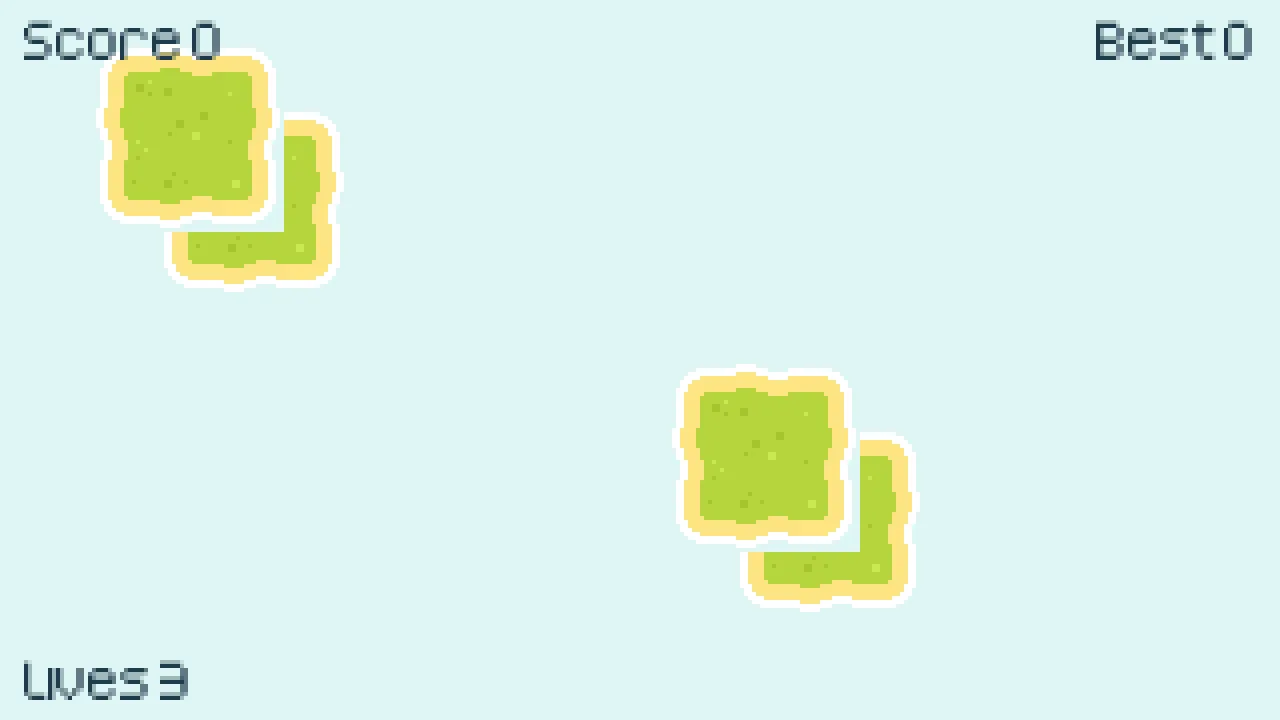
Fly right through waves of enemy planes: shoot them down, dodge their bullets, keep your three lives. Your best score is saved.
| Play | |
|---|---|
| Fly | WASD, arrows, gamepad stick / D-pad |
| Fire | Space, J, gamepad A (hold) |
What’s where
Section titled “What’s where”scenes/game.scene.json |
The sea (scrolls), the player, the spawner, a Shots node holding bullets / enemies / explosions, the HUD |
components/ |
Player and enemy bullets, the two enemy kinds (drifter, shooter), the explosion - edit them like scenes |
scripts/player.lua |
Movement inside the screen, firing (pooled bullets), lives, blinking after a hit |
scripts/enemy.lua, spawner.lua |
Enemy movement and shooting; waves that speed up |
scripts/bullet.lua |
Hits by distance (no physics needed for this) |
scripts/hud.lua |
Score, best score (Save), lives, game over |
textures/ |
Kenney’s Pixel Shmup (CC0) |
Make it yours
Section titled “Make it yours”- A new enemy: duplicate
components/drifter.component.json, change its sprite and properties (speed, wobble, hits, shoots, points), and spawn it inspawner.lua. - Power-ups: a component that moves left like an enemy, and in its
script checks the distance to the player (see
bullet.lua). - Bullets come from a pool (
Pool.take,destroy()returns them): no allocations while playing, however many you fire.
Puzzle (Sokoban)
Section titled “Puzzle (Sokoban)”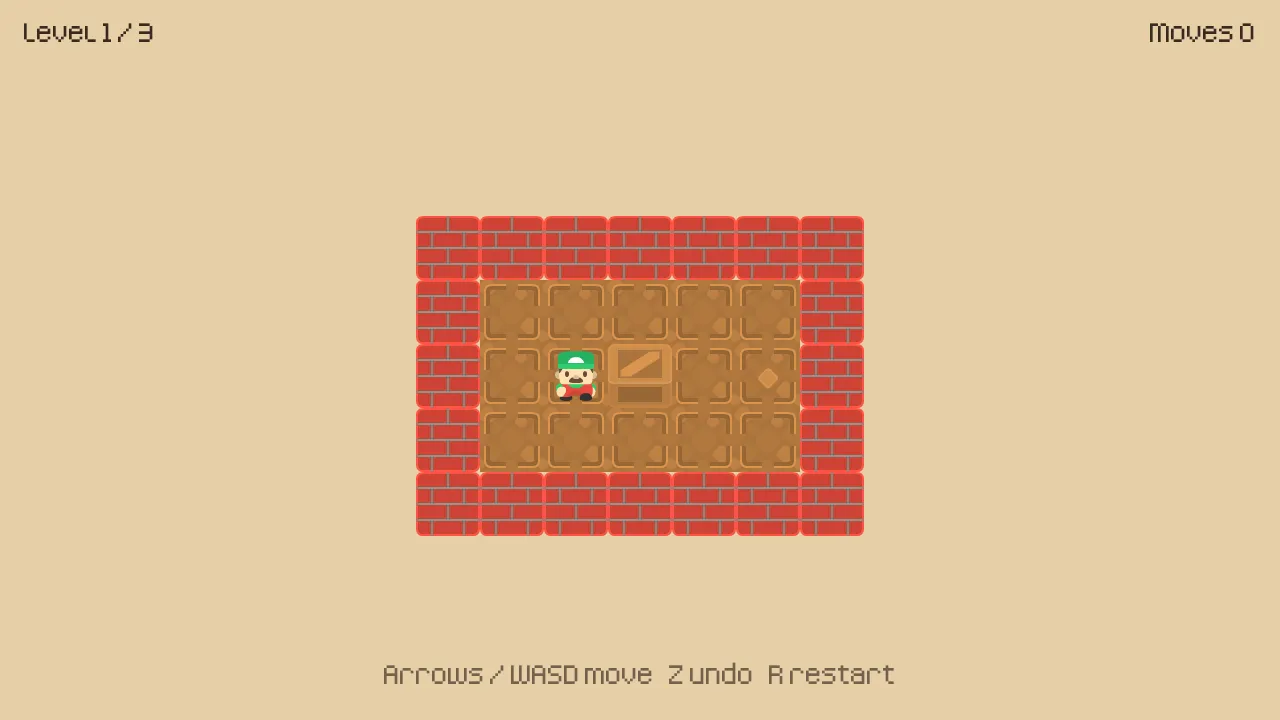
Push every crate onto a target. Crates can only be pushed, one at a time.
| Play | |
|---|---|
| Move | Arrows, WASD, gamepad stick / D-pad (hold to keep going) |
| Undo | Z, U, Backspace, gamepad B |
| Restart the level | R, gamepad Y |
What’s where
Section titled “What’s where”scripts/puzzle.lua |
Everything: the levels (as text at the top), building the board, moving, pushing, undo, winning, the next level |
scenes/puzzle.scene.json |
The Board node (the script; its Start Level property) and the texts |
textures/ |
Kenney’s Sokoban pack (CC0) |
Make it yours
Section titled “Make it yours”- New levels: add one to
LEVELSinpuzzle.lua-#wall,.target,$crate,*crate on a target,@you,+you on a target. Make sure it can be solved (the template’s levels were checked by a solver:scripts/templates/make_templates.pyin the engine repository). - Different look: swap the images in
textures/(64x64), or change Tile Size on the Board. - Keys / buttons: Project Settings > Input (move_*, undo, restart).
Platformer Adventure (sample)
Section titled “Platformer Adventure (sample)”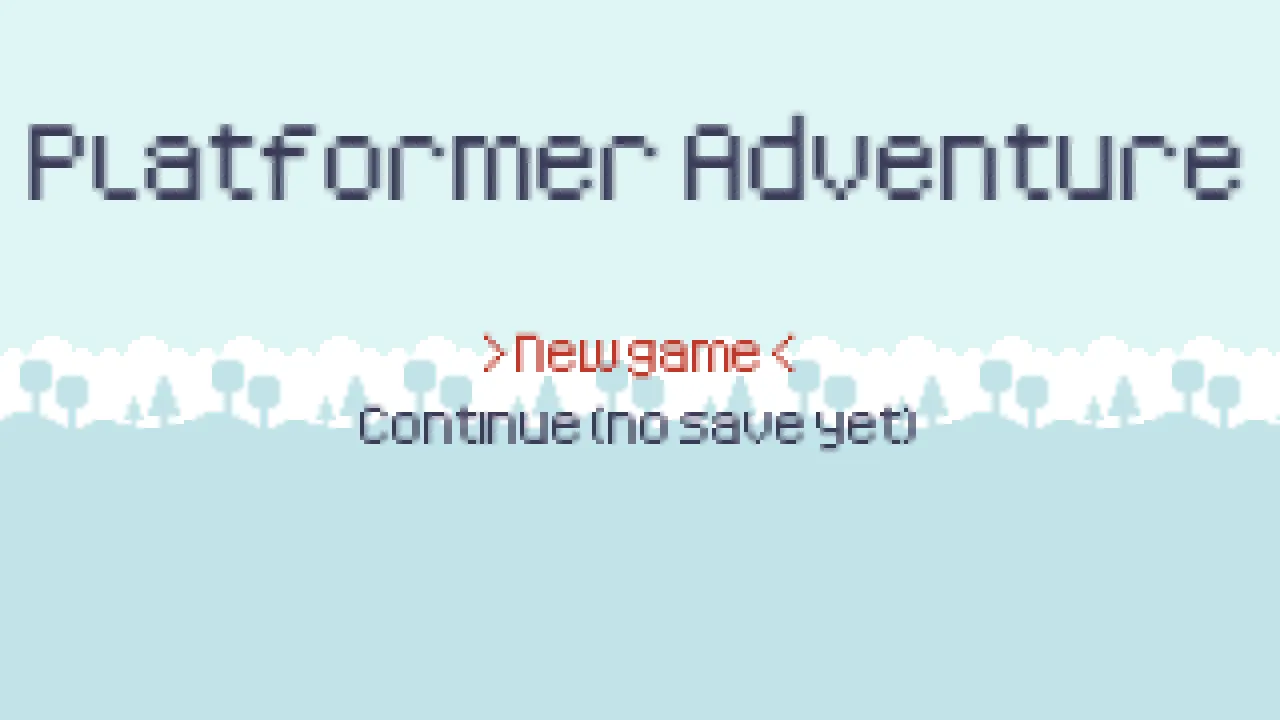
The Platformer template grown into a small game: a title screen, two levels, saved progress and a pause menu. Open it to see how the pieces fit; copy what you need into your own game.
| Play | |
|---|---|
| Move / jump | as in the Platformer template |
| Menus | up / down to pick, Enter / Space / gamepad A to choose |
| Pause | Esc, P, gamepad Start |
How it fits together
Section titled “How it fits together”scenes/title.scene.json |
The first scene (project.json’s initial scene): New game / Continue |
scenes/level1, level2 |
Levels; the door’s Next Level chains them (the last goes back to the title) |
scripts/goal.lua |
Finishing a level saves where Continue starts (Save) |
scripts/menu.lua |
Text menus for the title and the pause menu - the pause menu’s node has Pause Mode: Always, so it runs while Engine.set_paused(true) stops the rest |
| everything else | the Platformer template’s scripts |